Step 1
Create your Tour
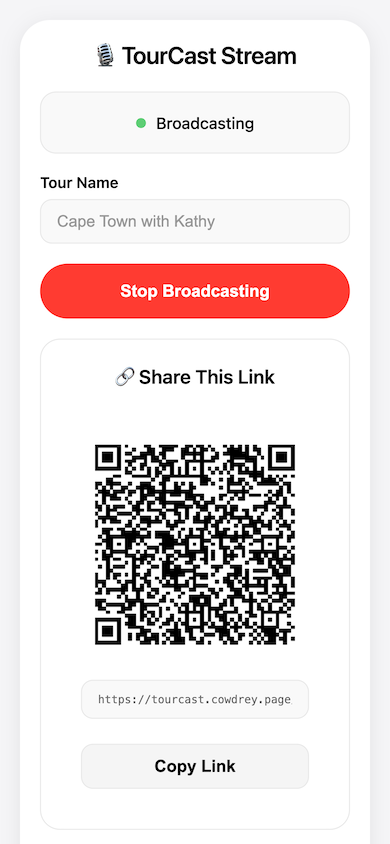
Open TourCast, name your tour, and tap Start. Your phone becomes a live broadcast in seconds — no hardware, no setup, no technical knowledge required. Spend your energy on the story, not the equipment.
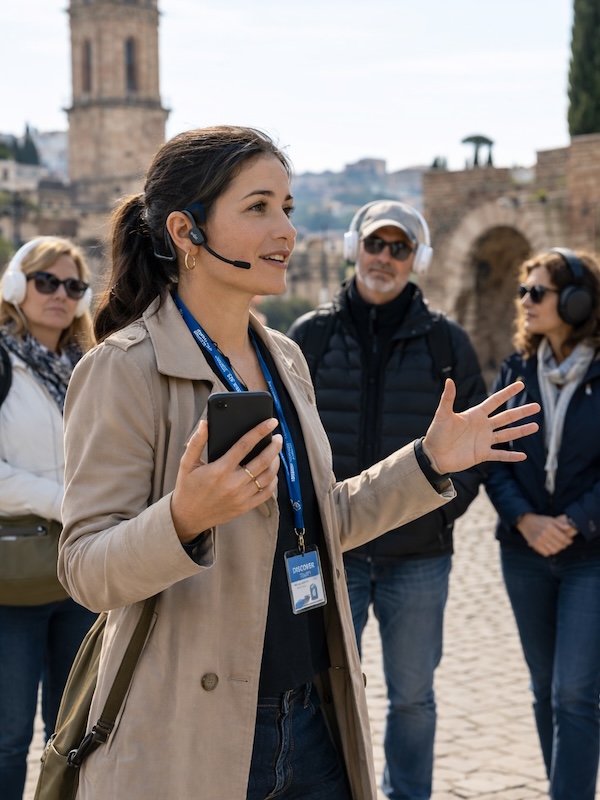
Stop losing guests to background noise and distance. Live audio from your microphone, straight to their headphones. No app, no additional equipment, it just works.
Claim a Beta SpotOpen TourCast, name your tour, and tap Start. Your phone becomes a live broadcast in seconds — no hardware, no setup, no technical knowledge required. Spend your energy on the story, not the equipment.
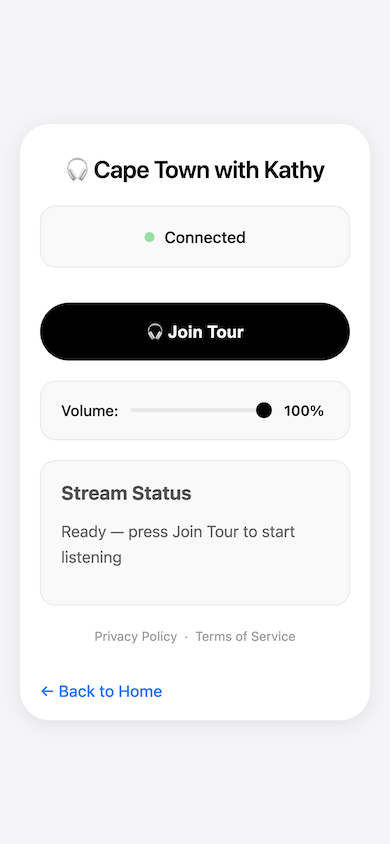
Show the QR code. Your guests scan and listen instantly on their own AirPods, Sony XM5s, or any headphones — no download, no account, nothing to explain. You keep moving, they keep up.
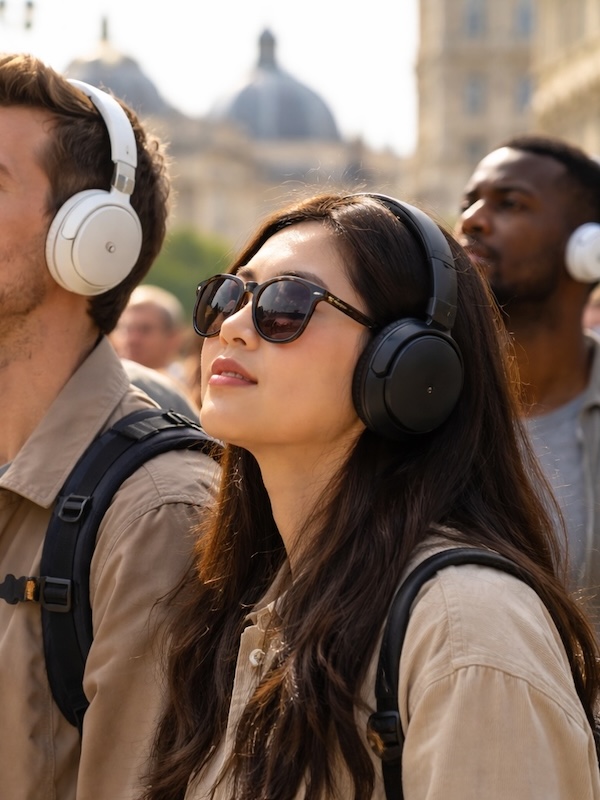
Yes — both the guide and guests need an active internet connection, either mobile data or Wi-Fi. As long as everyone is online, distance between guide and guests doesn't matter.
TourCast itself is free during beta. Each guest will need their own smartphone and personal headphones — we recommend guests bring their own earbuds or headphones for the best experience. The guide can also improve audio quality significantly by upgrading their microphone setup (see below).
Your phone's built-in mic works fine to get started. To step up the experience:
There is no known limit to the number of listeners. Whether you have 5 guests or 500, everyone on the tour link can tune in simultaneously.
TourCast will attempt to reconnect automatically. If that doesn't work, the guest can simply refresh the page and they'll be back in the tour within seconds.
During beta, there is a slight delay as we run on self-hosted servers. We're actively working to reduce this. In practice it's short enough that most guests don't find it disruptive.
Yes. TourCast works anywhere guests have an internet connection — indoors, underground, or on a noisy street. Wi-Fi or mobile data both work.
No. Every tour generates a unique access code that only the guide can share. Guests scan a QR code or tap a link — no account, no app download, nothing to install.
No problem. Both the guide and guests can lock their screens and put their phones in their pockets. As long as the microphone stays connected on the guide's end and guests keep their headphones on, the audio continues uninterrupted.
Not currently — TourCast is one-way audio, guide to guests only. This keeps the experience simple and the audio clear. Two-way communication is not on the roadmap for beta.